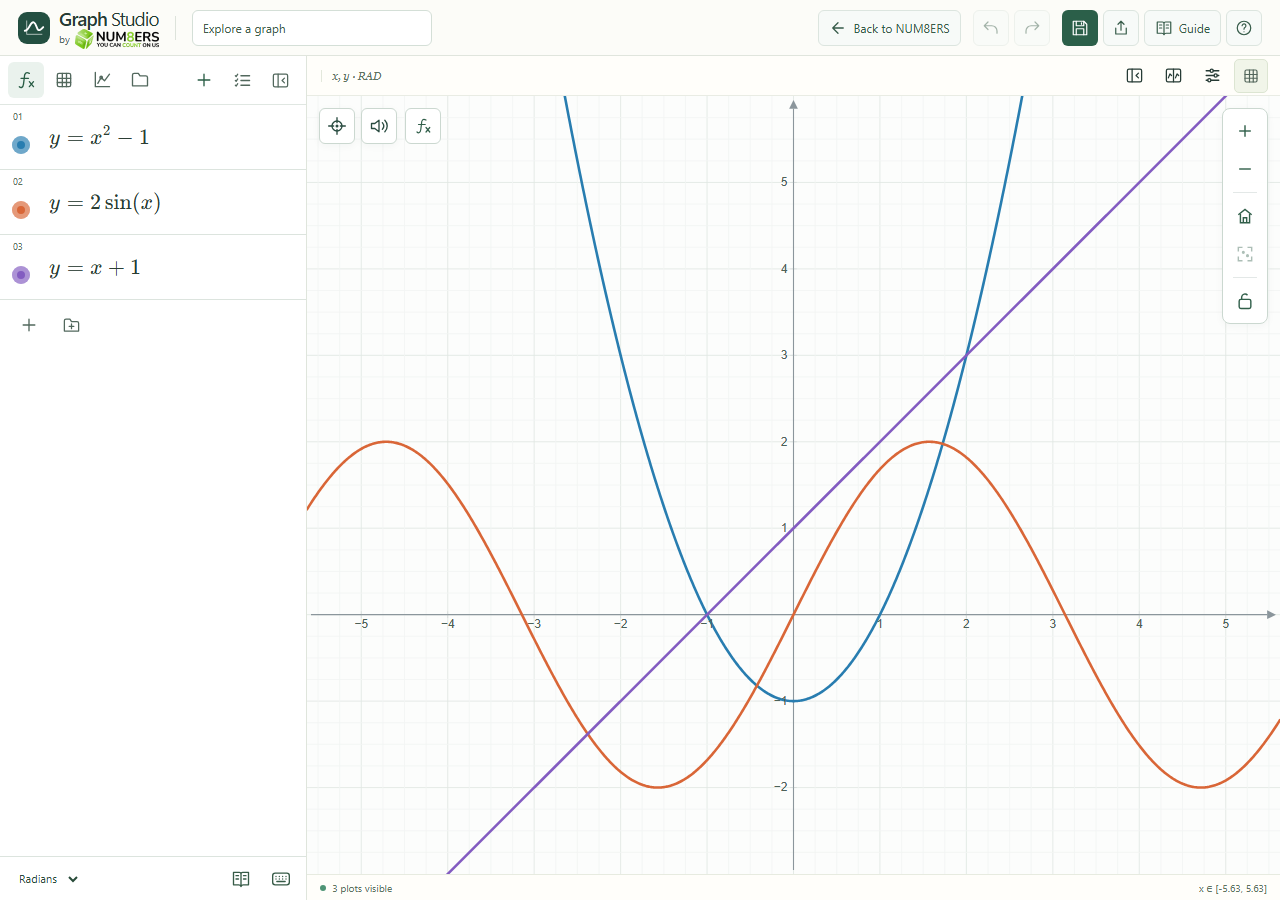
- Graph title
- Click the title field to name your document. A restored-draft message can be dismissed with its check or close button.
- Undo / Redo
- Undo document edits such as changing an expression, importing rows or moving an object. Redo reapplies an undone edit. These buttons become unavailable when there is no matching history.
- Save / Export / Guide / Quick guide
- Save keeps a named browser copy. Export creates a graph image or PDF. Guide opens these chapters; the question-mark button opens the shorter in-app reference.
- Back to NUM8ERS
- Returns to the NUM8ERS website. Save important work before leaving.
- New and Organize
- Use + to add content. Organize reveals selection, reordering and folder tools.
- Bottom bar
- Choose Radians or Degrees, open example expressions, or show the math keyboard.
- Graph status
- The status bar reports visible plots, points and the current horizontal range. An approximate-contours notice means a relation is drawn from numerical samples.