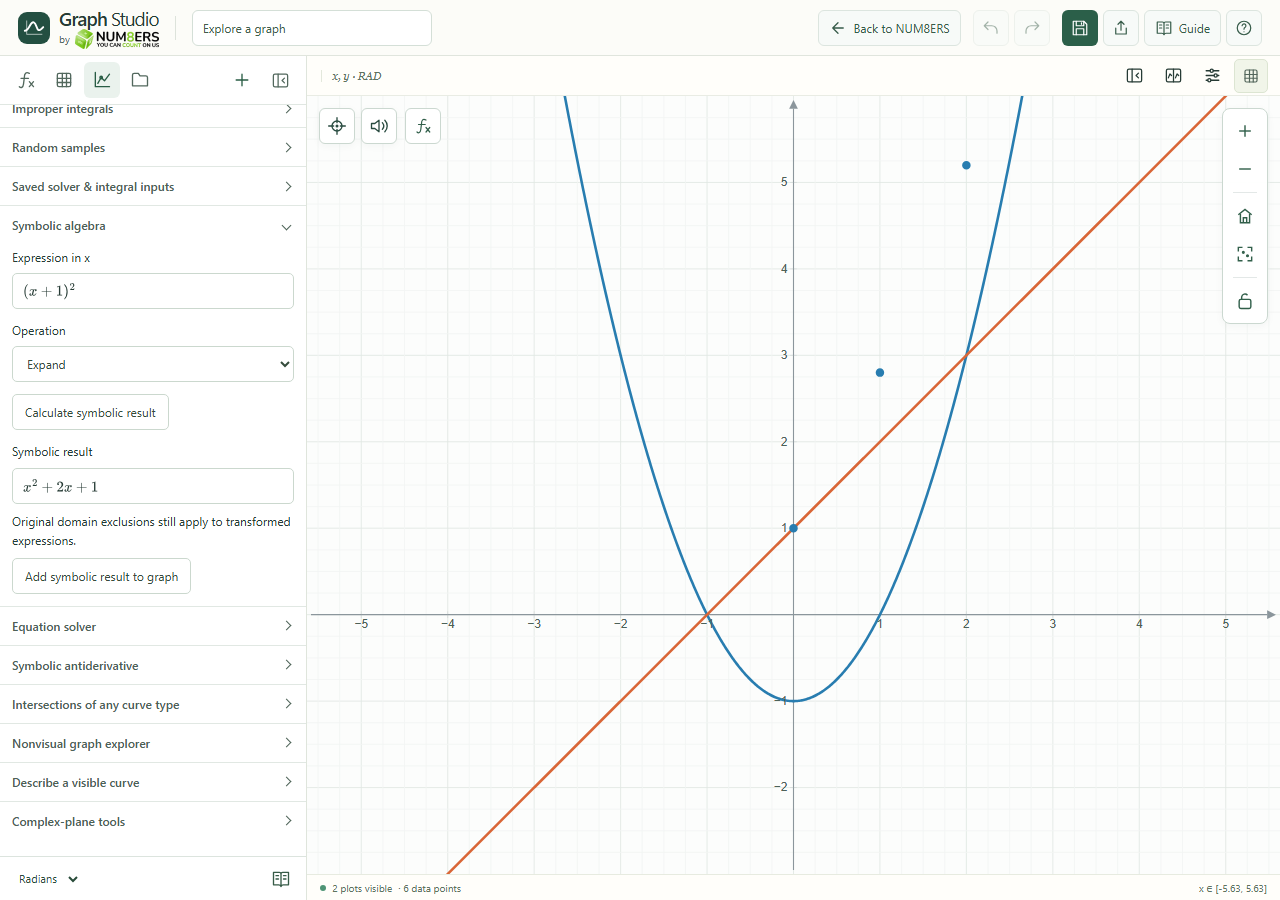
Symbolic tools transform a formula instead of sampling its graph.
Find it
Analyze → Symbolic algebra
Symbolic algebra expanded in the Analyze panel.Click to enlarge ↗
Try it step by step
Enter an expression in x.
Choose the operation you need.
Select Calculate symbolic result. You can cancel a calculation while it is running.
Read the typeset result and add it to the graph if useful.
Examples to try
Each card is one input. For definitions, enter the cards in order. Formula-only cards belong in the tool described above.
Try Expand and compare the result with the original curve.
Options explained
Simplify
Applies supported algebraic simplifications.
Expand
Distributes products and supported powers.
Factor
Attempts supported factorization.
Integrate / solve operations
The symbolic operation menu also offers supported integration and solving; use the dedicated equation and antiderivative tools for their specific inputs.
Add symbolic result to graph
Creates a new expression from a supported result.
Domain and time limits
Transformations have supported rule sets and a time limit. Original exclusions, such as a zero denominator, still matter after simplification.