
Skip to guide content
Graph Studio by NUM8ERSStudent guideOpen calculator
LEARN · TRY · EXPLORE

Expressions & functions04 / 68

Write and edit expressions

An expression row can hold a calculation, equation, function, parameter, list, point, matrix, distribution or action.

Find it

Expressions → + Add expression
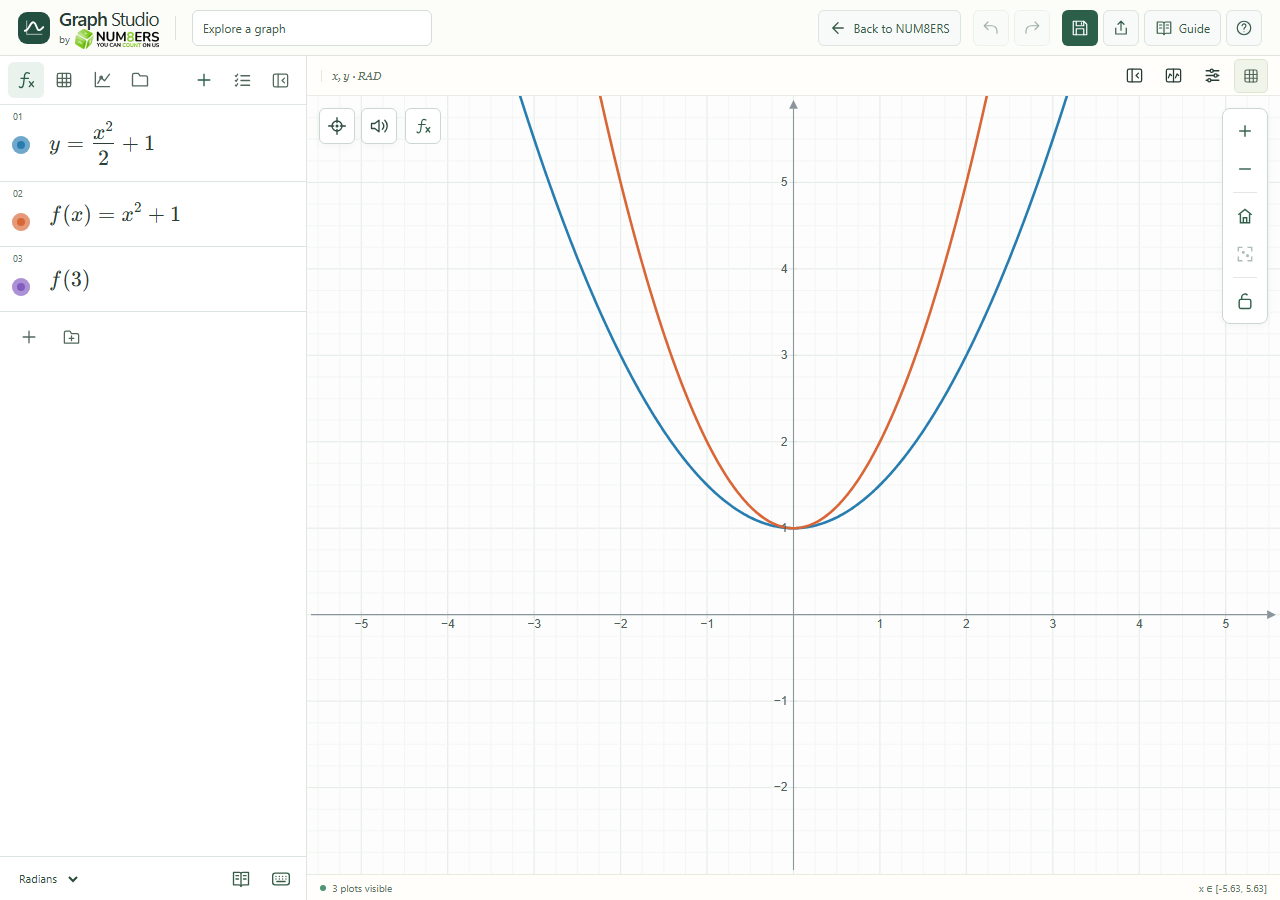
A fraction, a reusable function and its value in expression rows.
A fraction, a reusable function and its value in expression rows.Click to enlarge ↗

Try it step by step

  1. Select an empty row. Type with your keyboard or open the math keyboard.
  2. Use fractions, powers and brackets as you would on paper. Click inside an existing expression to edit it.
  3. Add related definitions in separate rows. The calculator updates dependent expressions automatically.
  4. Read any message below the row. Fix the source or its domain when a result cannot be calculated.

Examples to try

Each card is one input. For definitions, enter the cards in order. Formula-only cards belong in the tool described above.

A numerical calculation.

Define a function in one row.

Evaluate that function in the next row; the result is 10.

Options explained

Mathematical input
Powers, fractions, roots, subscripts and function notation are typeset. Pasted supported LaTeX is accepted. Editing retains the mathematical source.
Visibility dot
Show or hide a plotted expression without deleting its definition.
Remove
The row’s close button deletes that expression. Undo restores a recent deletion.
Color / style
The palette control opens preset colors, a custom color picker and independent curve styling.
Results
Numeric values, lists, matrices and complex values appear below their definitions. A diagnostic is different from a numerical zero.
Dependencies
Use one definition per symbol. A missing name, conflicting definition or circular dependency can prevent calculation.

Screenshot

Copy this text

Your browser could not copy automatically. Select and copy the text below.