Data & statistics26 / 68
Custom & robust regression
Use a custom formula when a built-in model does not match your experiment.
Find itData → table → Model: Custom formula
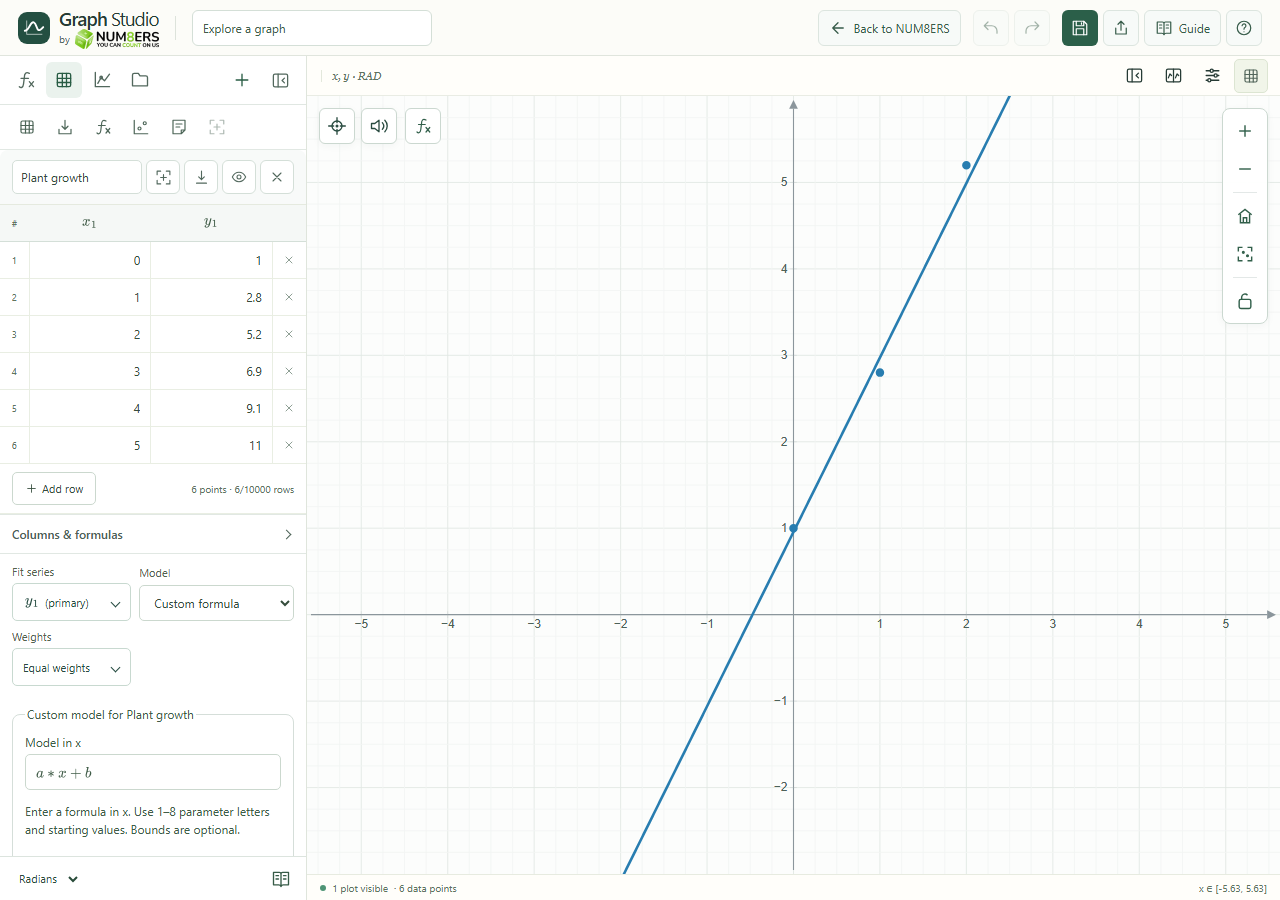 Custom regression exposes its model, coefficient starts, bounds and loss controls.Click to enlarge ↗
Try it step by step
- Enter the model in x using one to eight parameter letters.
- Set a starting value for each parameter. Add minimum and maximum bounds when you know useful constraints.
- Choose least squares or Huber loss, and the number of starting points.
- Select Apply custom fit, then inspect the diagnostics and residuals.
Examples to try
Each card is one input. For definitions, enter the cards in order. Formula-only cards belong in the tool described above.
An exponential model with an offset; supply starts for a, b and c.
Options explained
- Model in x
- Use a supported mathematical formula. All fitted coefficient names must be identified as parameters.
- Parameter / Start / Min / Max
- Add or remove a coefficient; bounds are optional but must be consistent.
- Least squares
- Minimizes squared residuals; large errors have a large influence.
- Huber robust loss
- Reduces the influence of large residuals relative to least squares. It does not automatically make unsuitable data valid.
- Starting points
- Deterministic multistart tries up to eight starts under a shared work budget.
- Fit limits
- Up to 10,000 observations, eight coefficients and two million row predictions. A convergence message is not a proof of the global best fit.

