Data & objects32 / 68
Points & notes
Add a special point or a short explanation to make the graph easier to understand.
Find itData → Add point / Add note
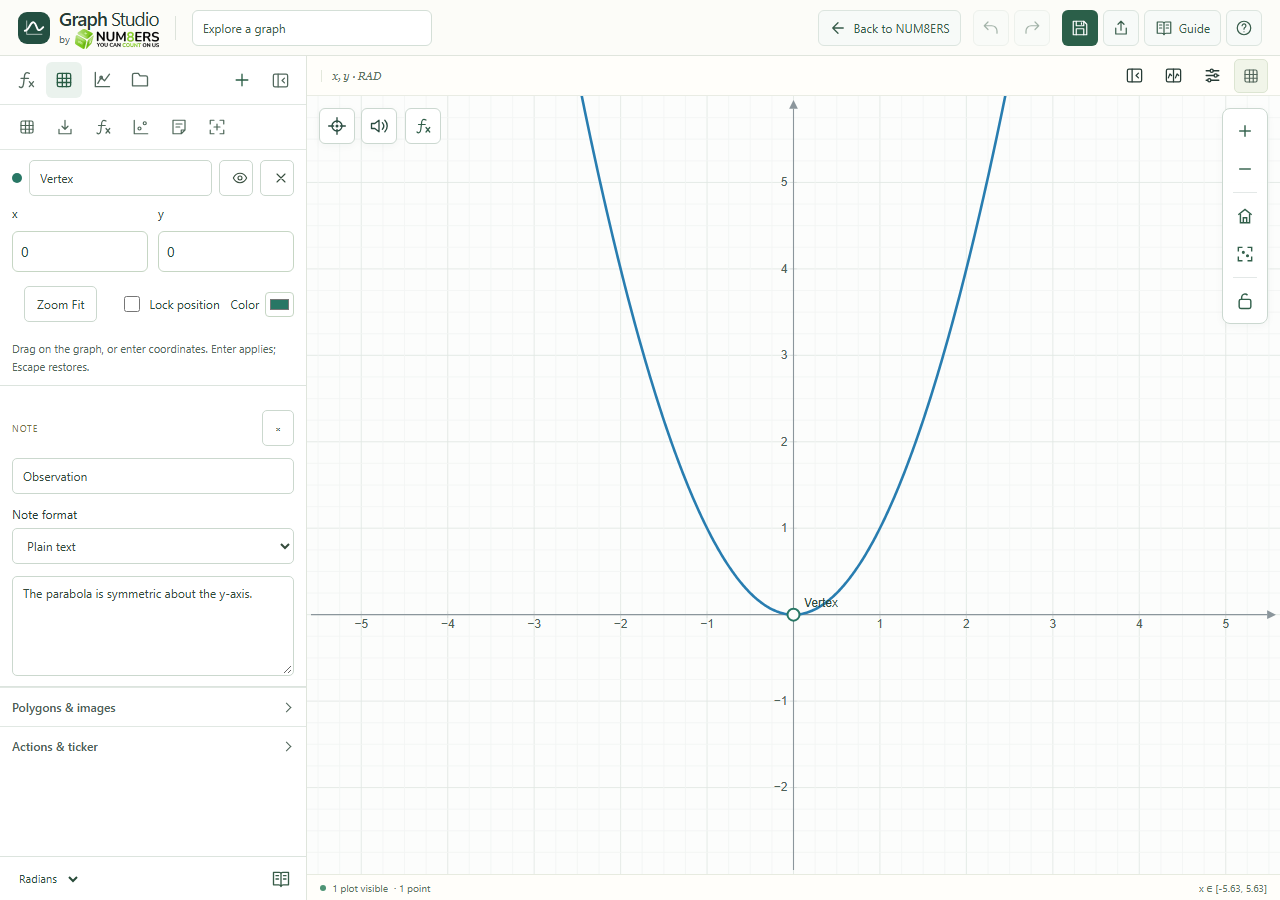 A labeled point and a note add context without changing the curve.Click to enlarge ↗
Try it step by step
- Add a point and enter its x and y coordinates.
- Give it a useful label, choose a color and use Zoom Fit to locate it.
- Lock its position if it should stay fixed.
- Add a note to explain your observation; preview its formatting before sharing the document.
Options explained
- Point position
- Edit coordinates directly or drag an unlocked point. Enter applies; Escape restores the previous edit.
- Point label / color
- Identify an important location using a short label and a readable color.
- Lock / visibility / remove
- Protect a location, hide it temporarily or delete it.
- Notes
- Safe Markdown supports readable headings, emphasis and lists. Inline math uses dollar delimiters or backslash-parenthesis delimiters.
- Saving / export
- Notes travel with the graph document and JSON. Sidebar notes are not part of the graph image export.

