
Skip to guide content
Graph Studio by NUM8ERSStudent guideOpen calculator
LEARN · TRY · EXPLORE

Reference & troubleshooting66 / 68

Keyboard shortcuts

Shortcuts depend on focus. A key used in a text field edits that field instead of moving the graph.

Find it

Graph, form controls and mathematical pickers
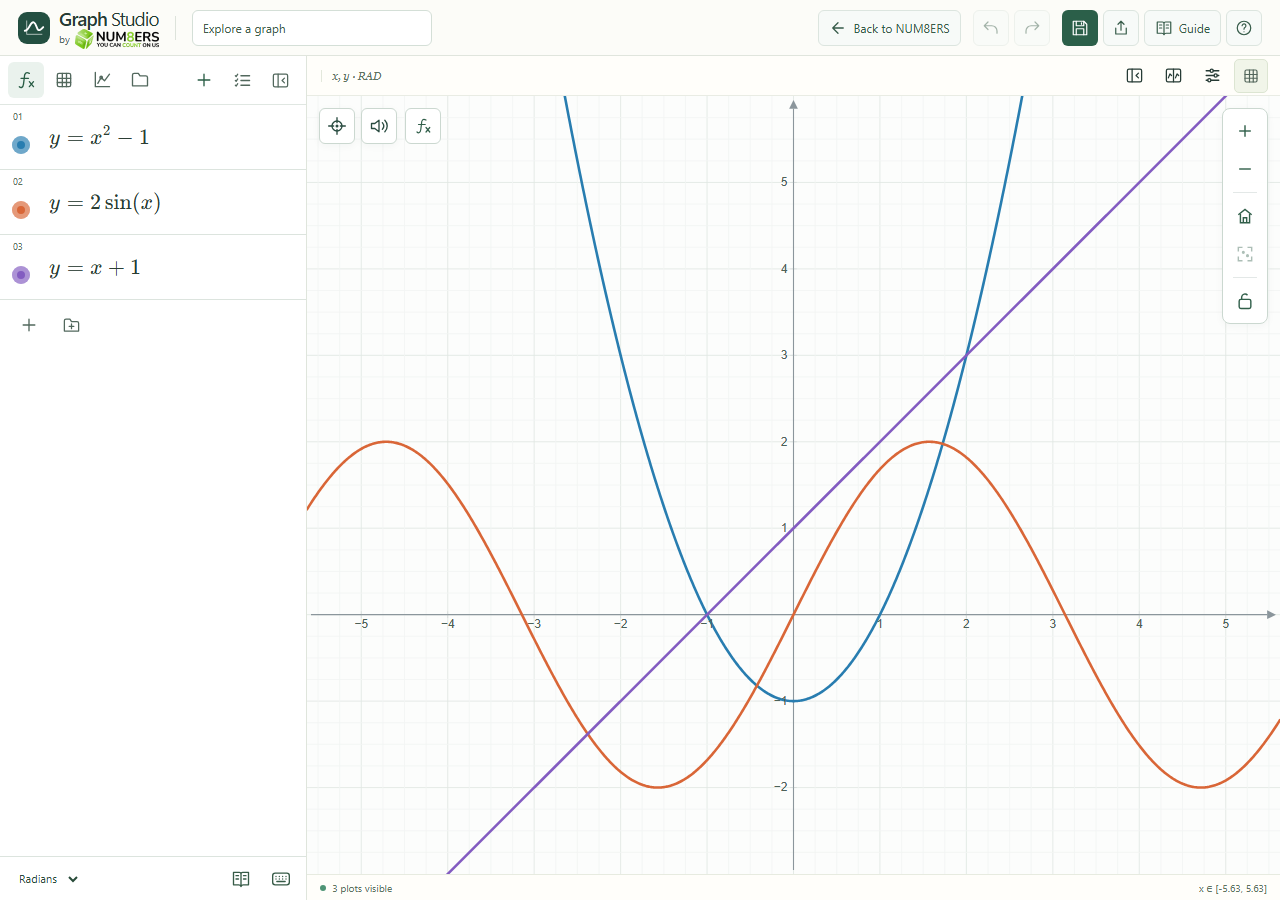
The four sidebar tabs, expression rows and graph toolbar in the desktop workspace.
The four sidebar tabs, expression rows and graph toolbar in the desktop workspace.Click to enlarge ↗

Try it step by step

  1. Use Tab or Shift+Tab to move between controls.
  2. Focus the graph before using its camera shortcuts.
  3. Use Escape to dismiss the active supported panel or cancel a drag.
  4. Watch the focus outline to confirm which control will receive your next key.

Options explained

Graph arrow keys
Pan the focused canvas.
+ / − / 0 on graph
Zoom in, zoom out or reset the view.
C on graph
Opens curve selection.
F in graph area
Toggles focus mode when you are not typing in an input. Escape exits focus mode.
Alt+T
Toggles Audio trace.
Math pickers
Arrow keys, Home/End and Enter select an option; Escape dismisses and Tab moves on.
Sidebar tabs
Left/Right and Home/End move between the tabs when the tab control has focus.
Table cells
Enter moves to the next editable cell.
Point movement
Arrow keys move supported editable points by 0.1; Shift uses 1. Escape cancels the movement.
Nonvisual point navigation
Arrow keys move one observation; Home/End move to the first/last.
Math keyboard
Escape or Hide closes the on-screen keyboard.

Screenshot

Copy this text

Your browser could not copy automatically. Select and copy the text below.