

Expressions & functions09 / 68
Piecewise rules & restrictions
A piecewise function uses different formulas on different parts of its domain.
Find it
Expressions; structured piecewise editor in Braille input
Try it step by step
- Write each condition followed by its value inside braces.
- Separate branches with commas. Check the value at the boundary from both sides.
- Use a final unrestricted branch only when you want a fallback value.
- For accessible structured editing, use the piecewise branch editor in Braille input.
Examples to try
Each card is one input. For definitions, enter the cards in order. Formula-only cards belong in the tool described above.
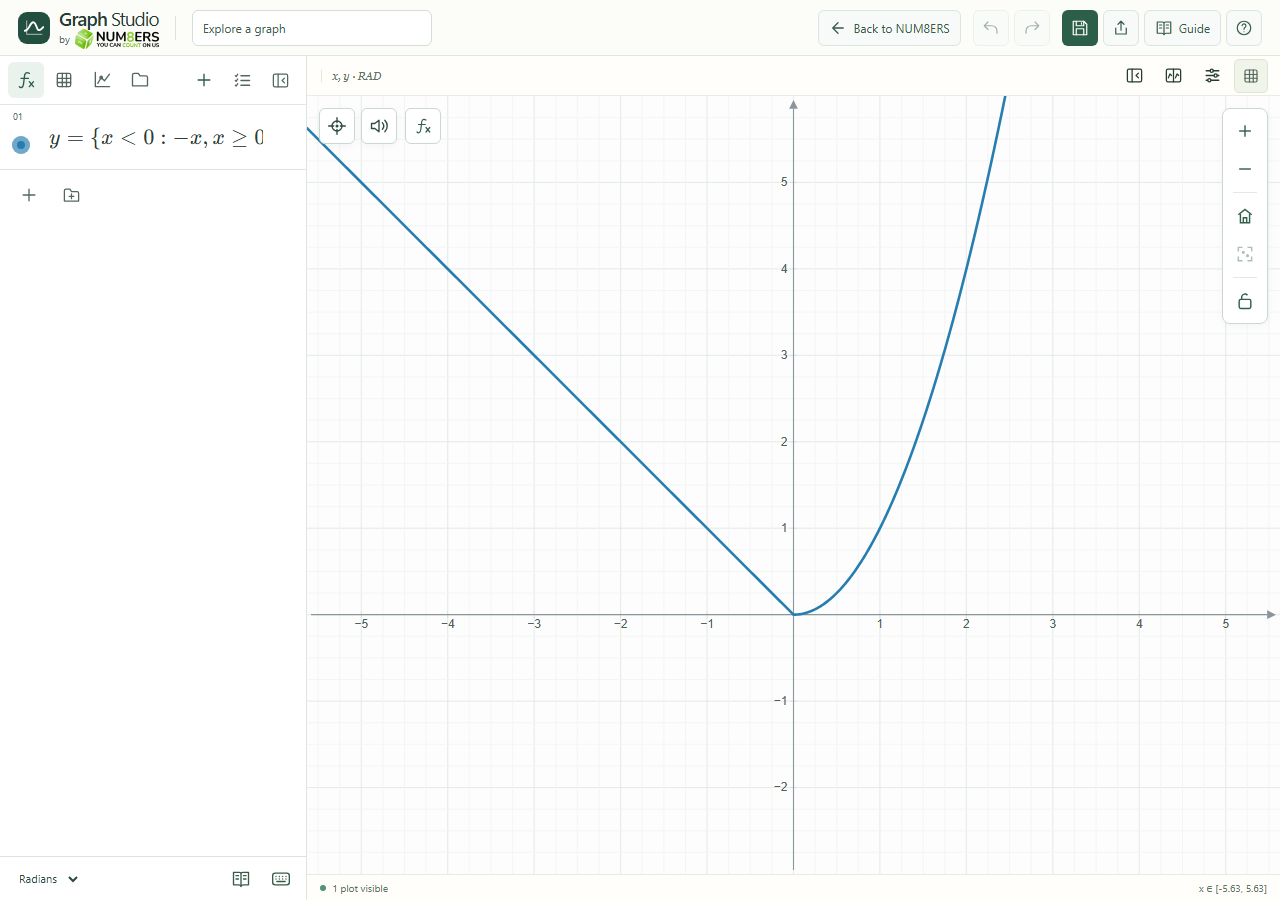
A line on the left and a parabola on the right.
The square-root domain still applies, along with the added upper limit.