Explore the graph20 / 68
Compare graphs side by side
Use two views to compare parameter values, datasets or axis scales without maintaining two separate documents.
Find itGraph toolbar → Compare graphs
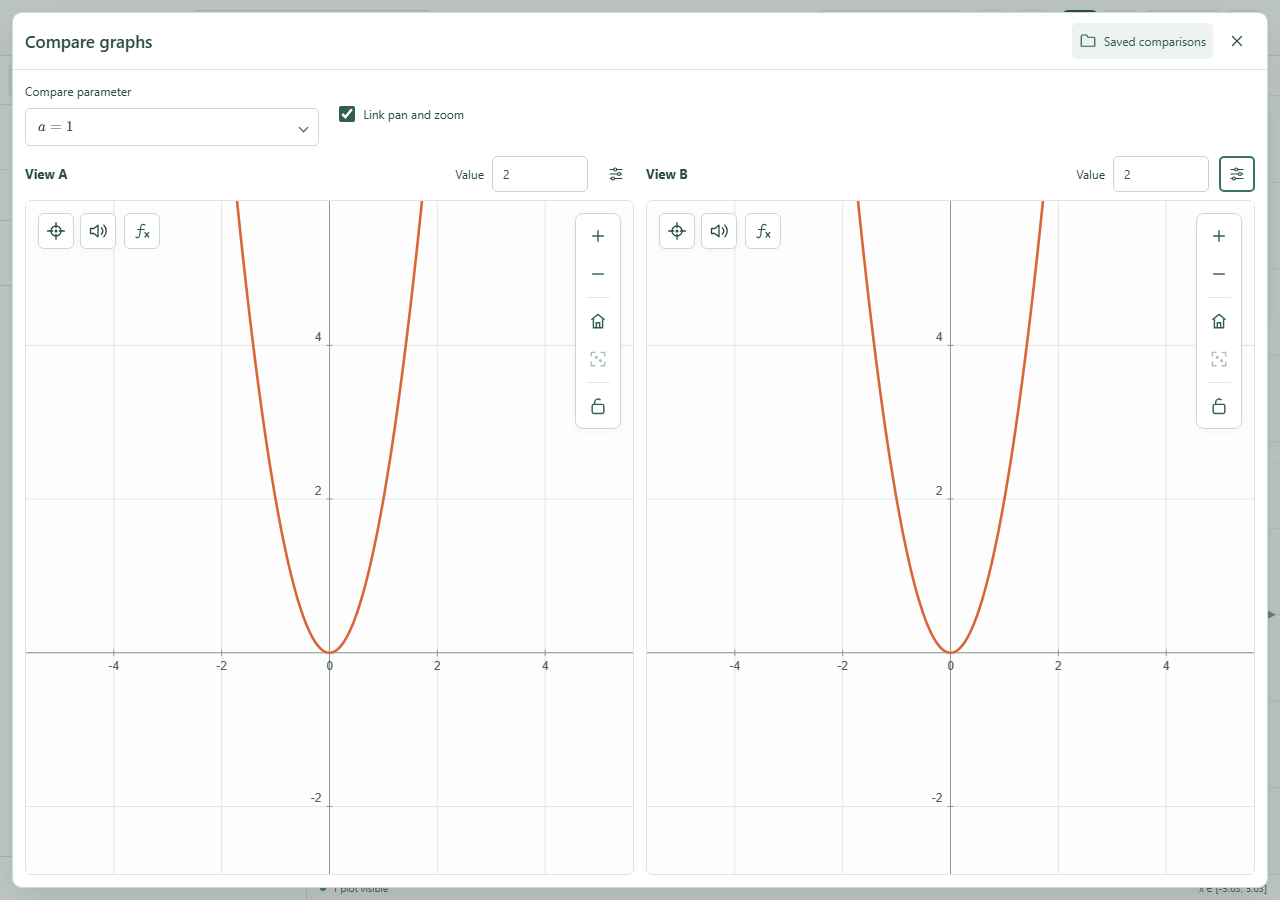 Comparison A and B show different parameter values side by side.Click to enlarge ↗
Try it step by step
- Choose a parameter and set its value for Comparison A and Comparison B.
- Open View options in either pane to filter the plotted source or change its scale.
- Enable Link pan and zoom when both panes use compatible scales.
- Open Saved comparisons, enter a name and save the setup.
Options explained
- Parameter / values A and B
- Preview different values of one defined parameter in the two panes.
- Source
- Choose all content, a particular curve or a named dataset.
- Scale
- Keep the original scales or choose linear, logarithmic x or logarithmic y. Logarithmic axes require positive values.
- Link pan and zoom
- Synchronizes the cameras when scales match; it is disabled for incompatible scales.
- Saved comparisons
- Save, update or remove up to eight setups. Both cameras, filters and parameter values are stored.
- Live expressions
- The setup uses the document’s current expressions; it is not a frozen image. Close comparison to return to the main canvas.

