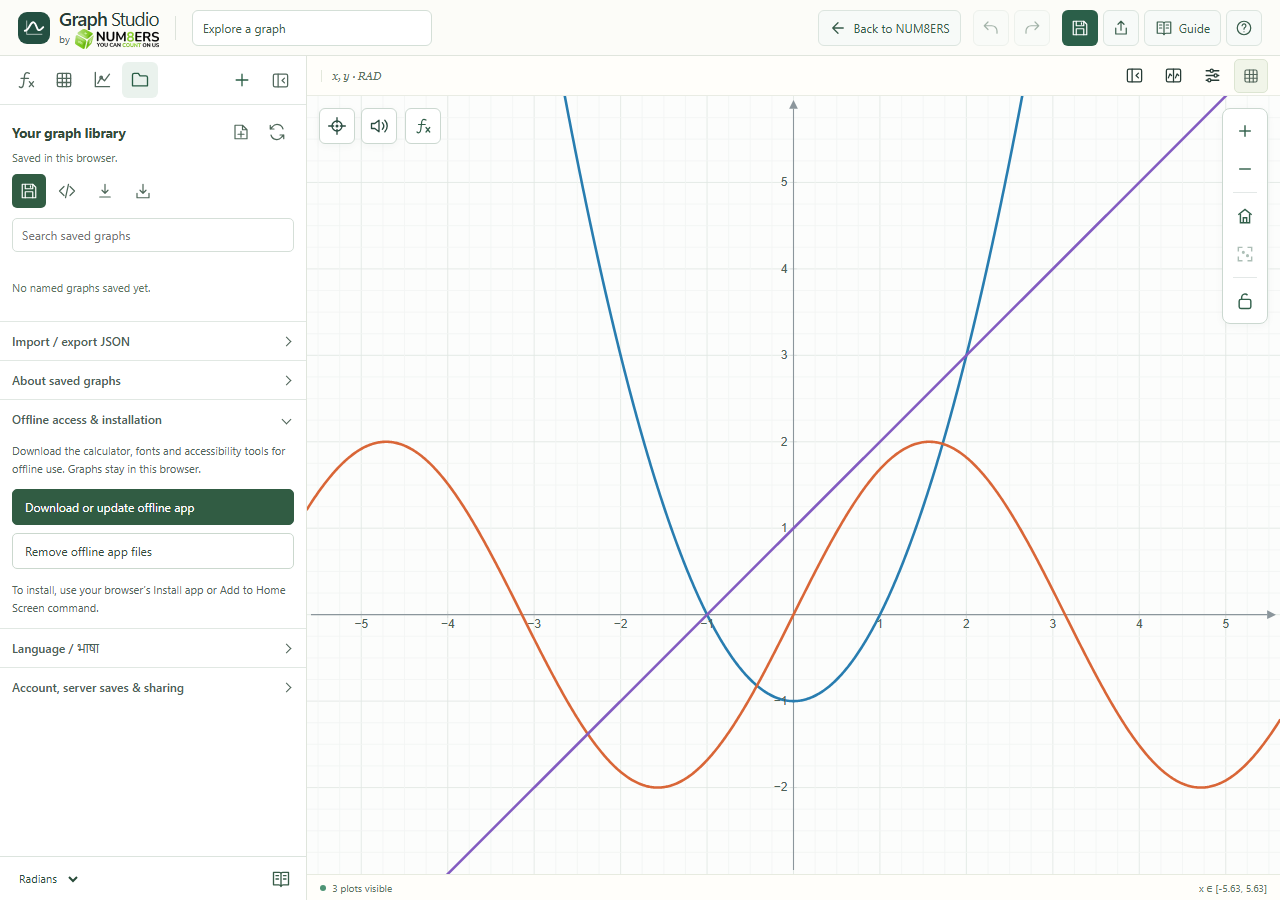
Download the calculator’s application files before you lose your connection.
Find it
Library → Offline access & installation
Offline access & installation expanded in the Library.Click to enlarge ↗
Try it step by step
While online, choose Download or update offline app.
Wait for the completion message before relying on offline access.
Use your browser’s Install app or Add to Home Screen command if it is offered.
Return online periodically and update the offline app.
Options explained
Offline download
Saves the calculator, math fonts and accessibility tools on this device, along with the built guide and screenshots.
Local work
Browser drafts and named saves remain in browser storage. Export JSON for a portable backup.
Online services
Account login, synchronization, public shares and recovery email need a working connection to the server. Offline caching does not include account API data.
Remove offline app files
Removes the downloaded application cache. It does not intentionally delete graph documents from browser storage.
Installation
Availability and wording depend on your browser. The calculator still runs in a normal browser tab.