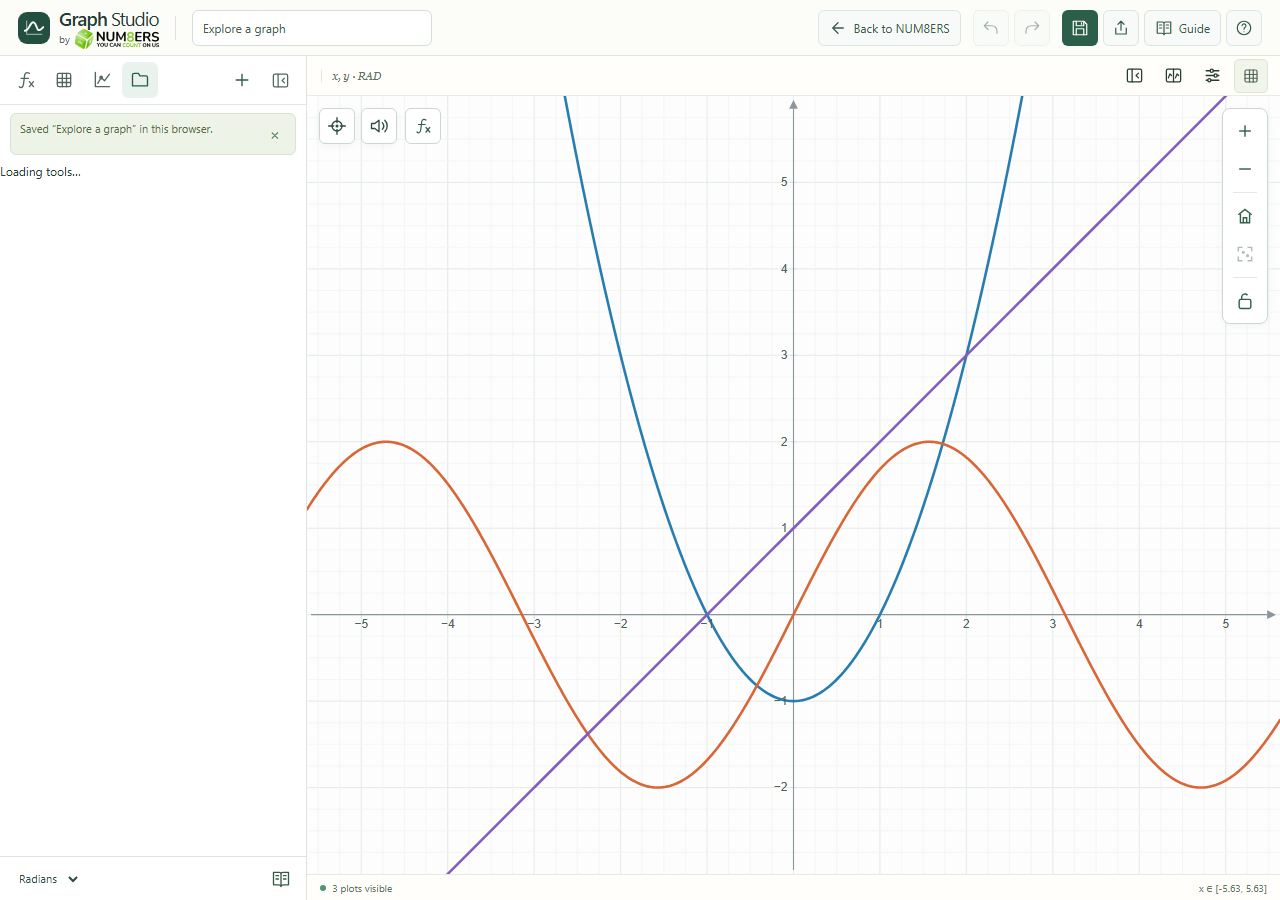
A browser draft protects your current work. A named save lets you find a graph again in the same browser.
Find it
Header → Save graph; Library
The local library lists named saves and offers search, import and export tools.Click to enlarge ↗
Try it step by step
Give the graph a useful title in the header.
Choose Save graph or Save current graph in Library.
Search the library by name and select Load to return to a graph.
Use New graph for a fresh document. Keep a JSON backup of important work.
Options explained
Local draft
The current graph is restored from this browser when storage is available.
Named saves
Up to thirty graphs can be stored in the browser library.
Load / New graph
The current graph is saved before starting or loading another; follow any storage message if that operation cannot complete.
Search / Refresh
Filter titles or refresh the visible library.
Remove
Removes a named library copy after its confirmation.
Storage boundaries
Browser saves are separate from account saves and do not automatically move to another browser, private session or device. Clearing browser data can remove them.
Multiple tabs
Supported Web Locks coordinate writes. Conflicting edits are retained for resolution rather than silently overwriting another editor.