Set up recovery while you can still sign in, and review sessions when using a shared computer.
Find it
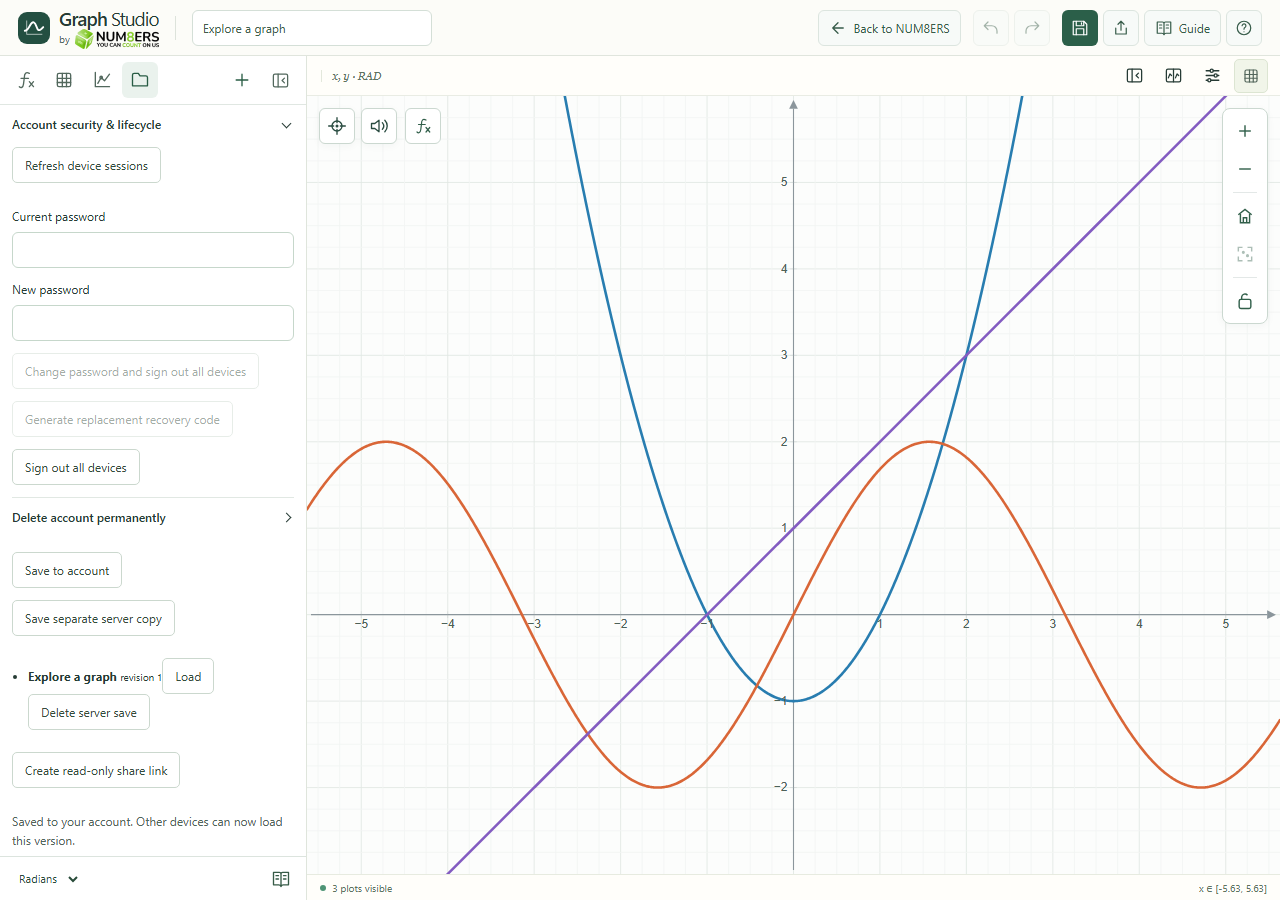
Account panel → Account security & lifecycle
Account security manages devices, passwords and one-time recovery codes.Click to enlarge ↗
Try it step by step
Generate a one-time recovery code and store it somewhere private.
If email recovery is available, add an address, request a verification code and verify it.
Review device sessions and sign out devices you no longer use.
For a password change or account deletion, follow the confirmation fields shown in the panel.
Options explained
Recovery code
A replacement code invalidates the previous one. Recovery uses the code once, changes the password and signs out existing sessions.
Verified email
Available only when the server has email delivery configured. Verify the address before relying on email recovery; removal requires the relevant account confirmation.
Password change
Requires the current password and signs out devices. Generate fresh recovery material afterward as directed.
Device sessions
Refresh devices, sign out an individual session or sign out all devices.
Hide recovery code
Removes the displayed code from view; store it safely before hiding it.
Delete account permanently
Requires the current password and the typed username confirmation. It deletes server saves, sessions, recovery codes and share links; export graphs first. Local browser drafts are separate.