

Save, share & settings61 / 68
Language & numeric input
Choose an interface language for this device while keeping mathematical notation and your own text intact.
Find it
Library → Language / भाषा
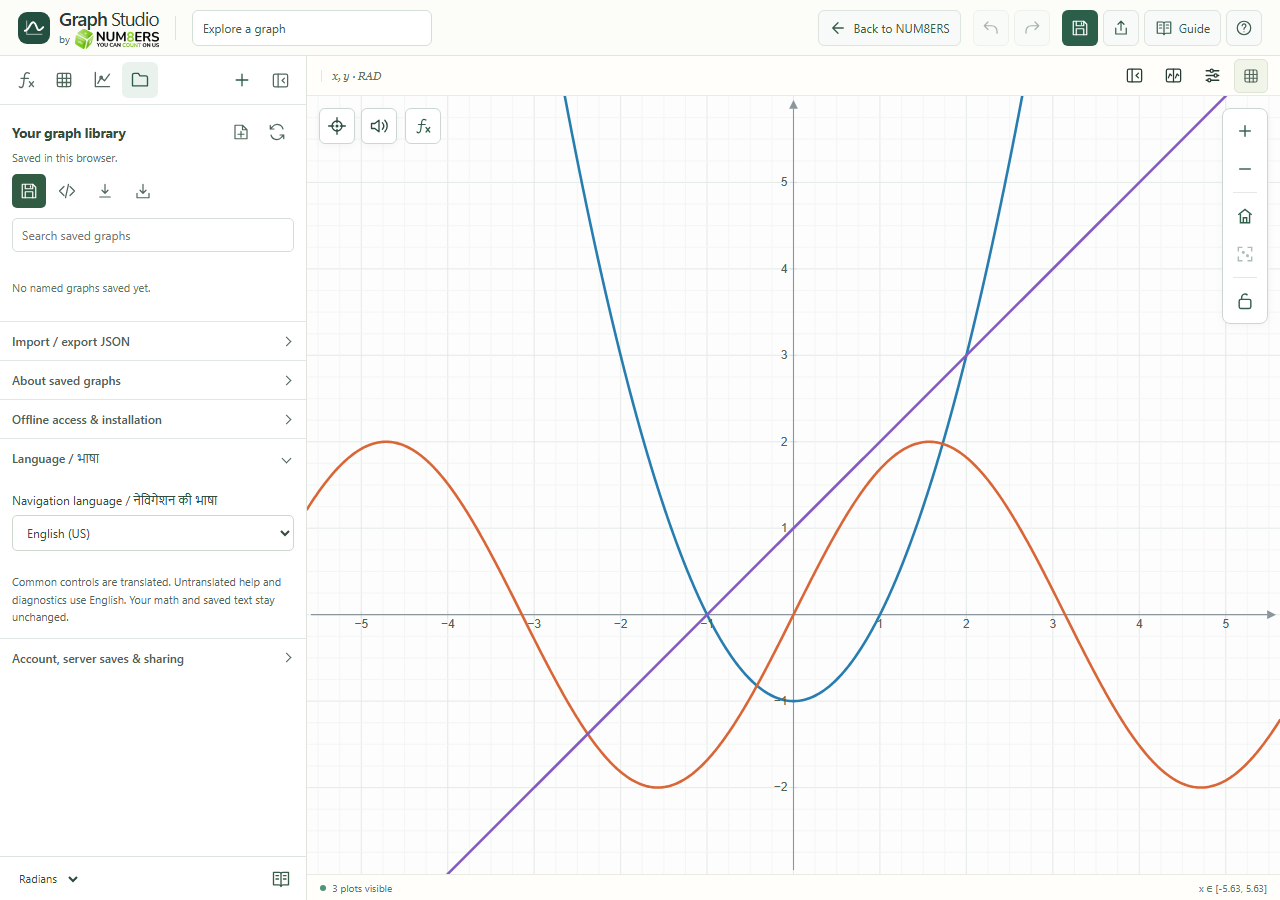
Try it step by step
- Open the language preferences section.
- Select a language from the list.
- Check the updated navigation and common controls.
- Continue entering mathematical identifiers as written; changing the interface language does not rename your variables.