Save, share & settings55 / 68
Accounts & server saves
An account can keep graphs on a compatible Graph Studio server so you can open them from another device.
Find itLibrary → Account, server saves & sharing
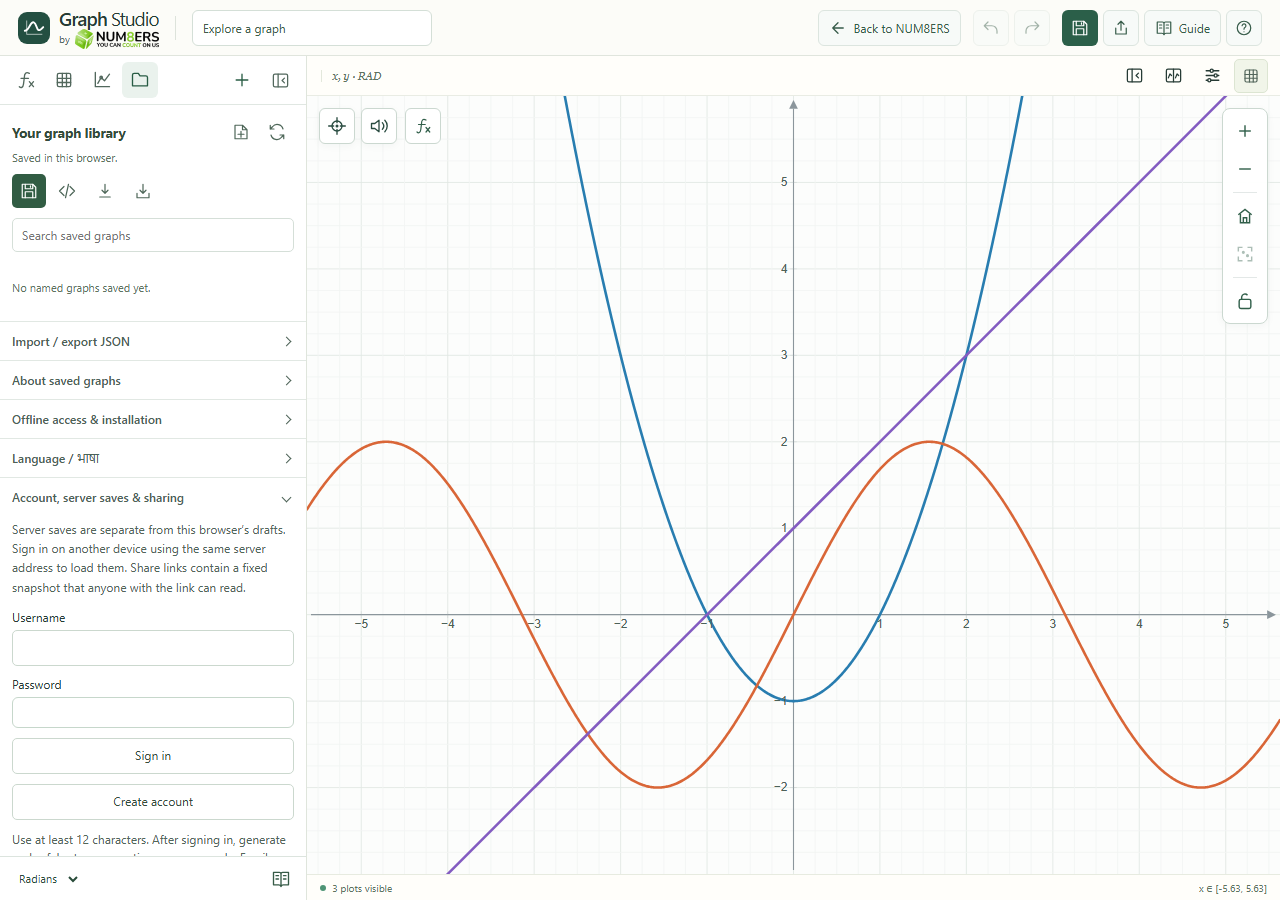 The account panel connects to the server and offers sign-in, account creation and recovery.Click to enlarge ↗
Try it step by step
- Choose Connect to account server if the panel has not connected yet.
- Enter a username and password, then Sign in or Create account.
- Choose Save to account for the current document.
- On another device, open the same server address, sign in and Load the saved graph.
Options explained
- Account availability
- This feature needs the included account server. A static-only site can still provide local graphing and JSON saves.
- Credentials
- Usernames use the supported characters shown by the form; passwords require at least twelve characters.
- Save / separate copy
- Update the linked server graph or save a separate server copy when you want to preserve both versions.
- Refresh server library
- Fetches the current list of account saves.
- Delete server save
- Removes a server copy after confirmation. Keep a JSON backup when needed.
- Sign out
- Ends this session. It does not erase the browser’s independent local draft.

