
Skip to guide content
Graph Studio by NUM8ERSStudent guideOpen calculator
LEARN · TRY · EXPLORE

Expressions & functions13 / 68

Complex numbers

Use the imaginary unit to calculate with complex values, then view them as points and vectors on the complex plane.

Find it

Expressions; Graph settings → Display & accessibility; Analyze → Complex-plane tools
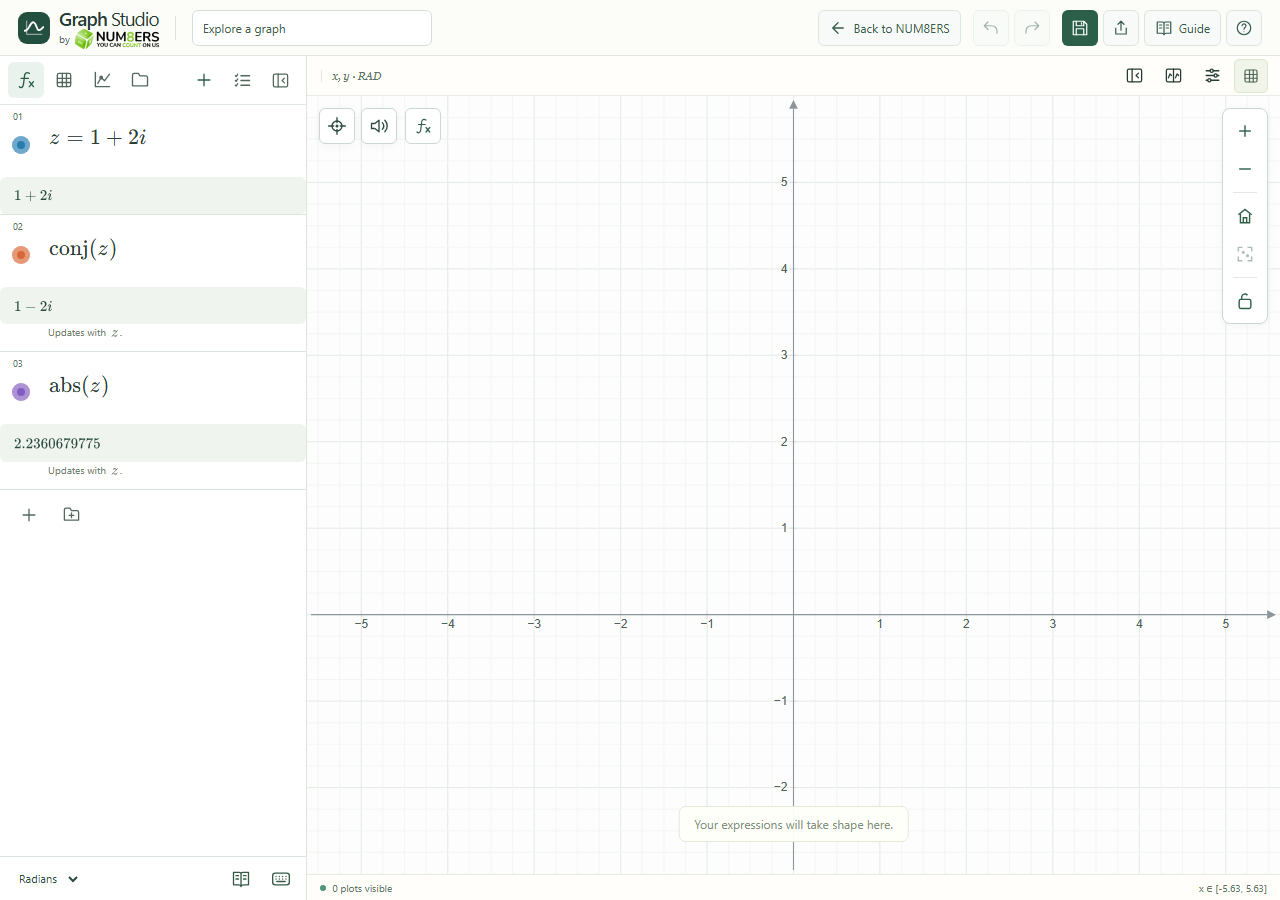
A complex value, its conjugate and modulus.
A complex value, its conjugate and modulus.Click to enlarge ↗

Try it step by step

  1. Define a complex number such as .
  2. Calculate its real part, imaginary part, conjugate, magnitude or argument.
  3. Enable the complex-plane display when you want to explore real and imaginary coordinates.
  4. Use Complex-plane tools to inspect or transform a complex value.

Examples to try

Each card is one input. For definitions, enter the cards in order. Formula-only cards belong in the tool described above.

A complex value.

Reflection across the real axis.

Distance from the origin.

Options explained

Arithmetic
Supported addition, multiplication, division, powers and complex elementary functions produce complex values.
real / imag
Read the horizontal and vertical components.
conj / abs / arg
Find the conjugate, modulus and argument. Check angle mode when interpreting angles.
Complex-plane mode
Provides the dedicated real–imaginary workspace. Complex arithmetic itself is available independently of the display switch.
Branch choices
Complex powers, roots and logarithms use the supported branch conventions; a single returned value is not a list of every possible branch.

Screenshot

Copy this text

Your browser could not copy automatically. Select and copy the text below.