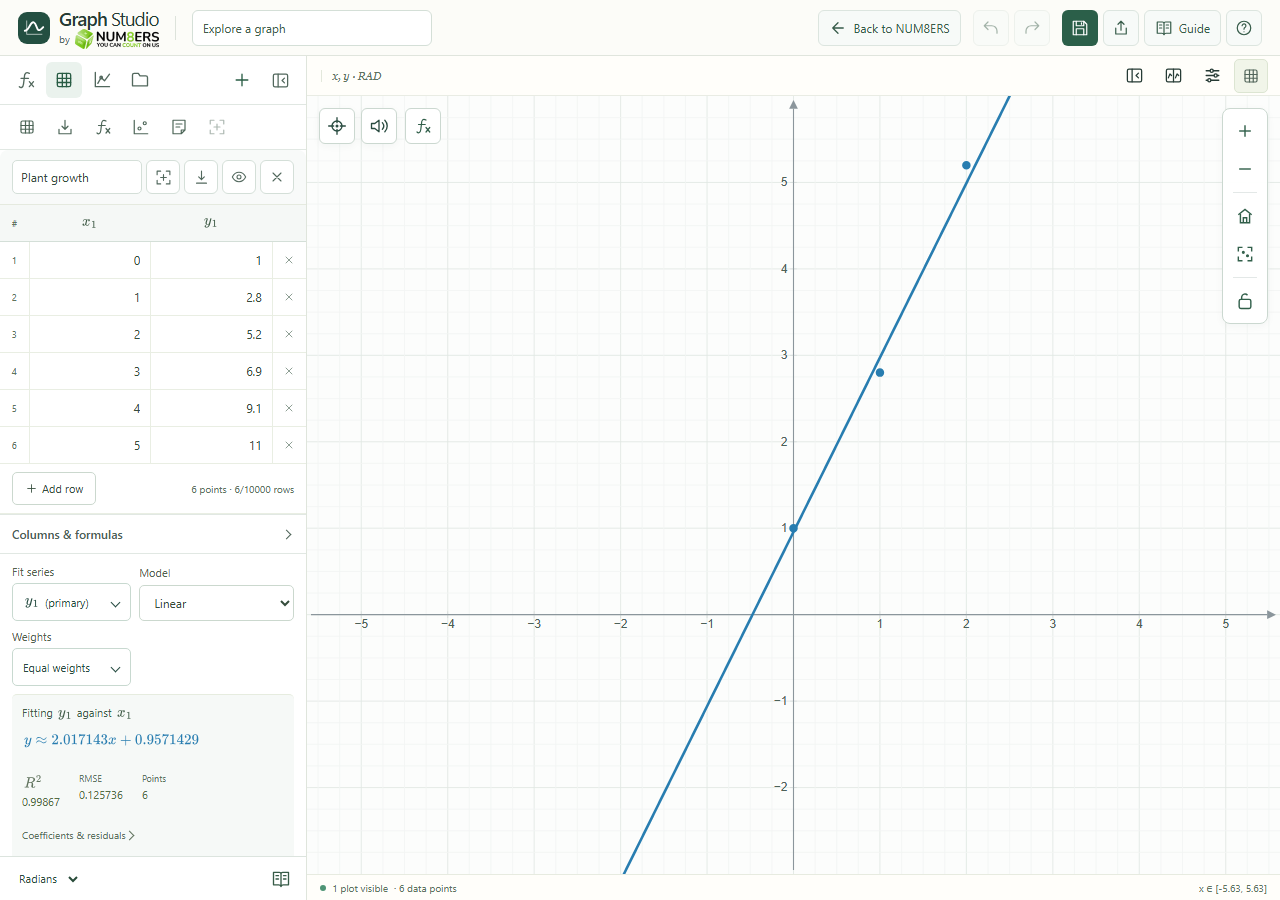
- Fit series
- Chooses which y series supplies observations.
- Model
- No regression, Linear, Quadratic, Cubic, Exponential (log-space) or Custom formula. Exponential log-space fitting needs positive y values.
- Diagnostics
- Points is the number of observations used. R² measures fit in the original y units and is undefined when y is constant. RMSE is a typical residual size in y units: smaller is better for the same data. R² alone does not establish that a model is appropriate.
- Residual plot
- Expand Coefficients & residuals to see observed minus predicted values. A pattern can suggest that the model is missing structure. Large fits show at most 1,000 preview markers and the first 200 residual rows; CSV export includes every fitted row.
- Weights
- Choose Equal weights or a table column. Every fitted row needs a positive finite weight. For measurement uncertainty sigma, a common weighting is 1/sigma squared. Invalid or missing weights stop the fit.
- Additional regression fits
- Add up to four extra fits without replacing the primary one. Each has its own Name, Series, Model, Color, Line pattern, Width (1–6 px), Opacity, Show fit toggle, weights and diagnostics. Remove fit deletes that fit; removing its source column also removes its dependent fits. Undo can restore them.
- Add parameter snapshots to expressions
- Copies the current fitted coefficients into new numeric expression rows, using available names. These are fixed snapshots; they do not update when the table changes. Use regression expressions with the tilde symbol when you want live fitted parameters.