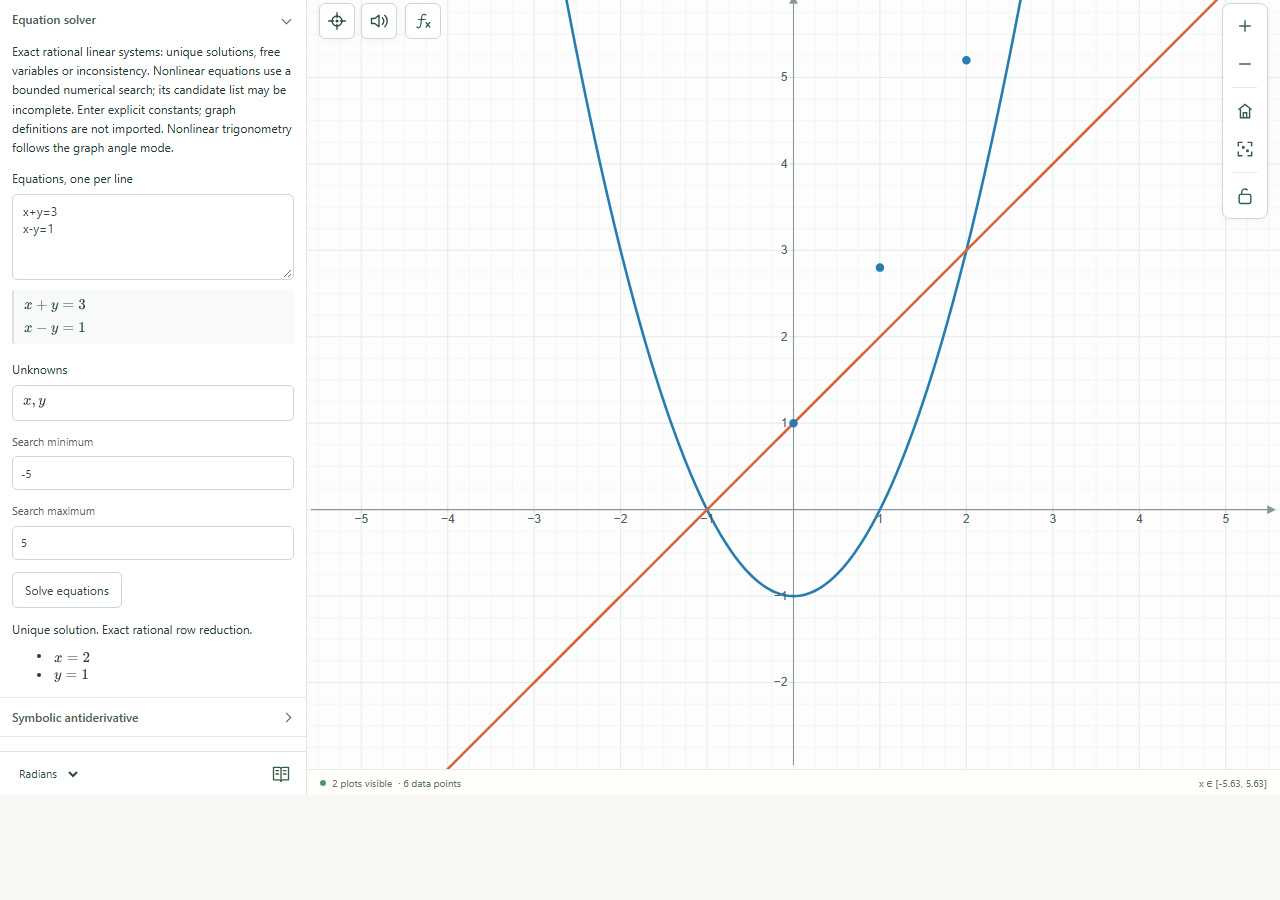
Solve for named unknowns, then check candidates against the original equations.
Find it
Analyze → Equation solver
Equation solver expanded in the Analyze panel.Click to enlarge ↗
Try it step by step
Enter one equation per line.
List the unknowns you want to solve for.
For a bounded numerical search, enter its minimum and maximum.
Choose Solve equations and inspect solutions, free variables or diagnostics.
Options explained
Equations
Each line is one relation. Enter explicit constants: this solver does not import graph definitions. Keep the original equations available for checking.
Unknowns
Specify the variable names used by the system.
Linear systems
Supported rational linear systems can be solved exactly, including reporting free variables.
Nonlinear systems
The numerical search is bounded; it may find candidates rather than every possible solution.
Candidate checks
Candidates are checked against the original relations. A domain restriction can invalidate an algebraic candidate.
Saved setup
Use Saved solver & integral inputs to retain the inputs with this graph.