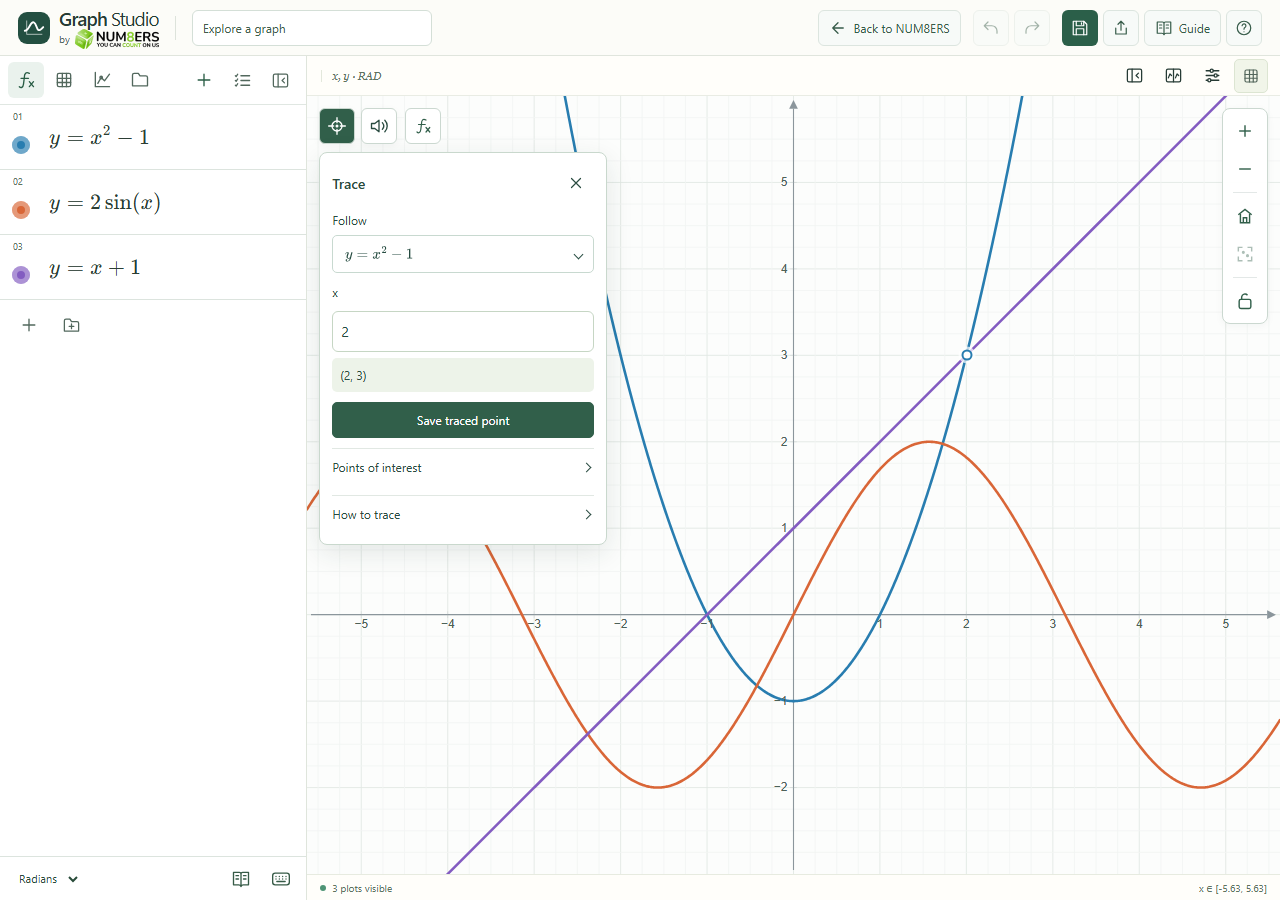
Follow a curve and read coordinates without estimating them from the grid.
Find it
Graph → Trace; selected curve → Trace
Trace follows a selected expression and shows the coordinates of a chosen point.Click to enlarge ↗
Try it step by step
Open Trace and choose a curve from Follow, or choose Free cursor.
Move over the graph, or type coordinates/parameter values and press Enter.
Open Points of interest and choose Show roots & intersections.
Use Save traced point to keep a coordinate snapshot. It is locked by default; unlock it in Data before dragging it. Editing the source curve does not move the saved point.
Options explained
Free cursor
Explore arbitrary x and y coordinates.
Explicit curve
Choose x to evaluate y on the selected function.
Parametric / polar
Follow the curve’s parameter or angle within its interval.
Implicit / vertical
Follow the visible sampled contour; a branch may require a nearby starting coordinate.
Roots & intersections
Marks numerical candidates in the current view. Canvas comparisons consider up to eight other visible curves.
Close
The close button or Escape dismisses the trace controls.