Save, share & settings56 / 68
Sync & collaborative editing
Sync keeps an open graph connected to its server copy. An edit link lets another signed-in user collaborate on that graph.
Find itLibrary → Account, server saves & sharing → Collaborative editing
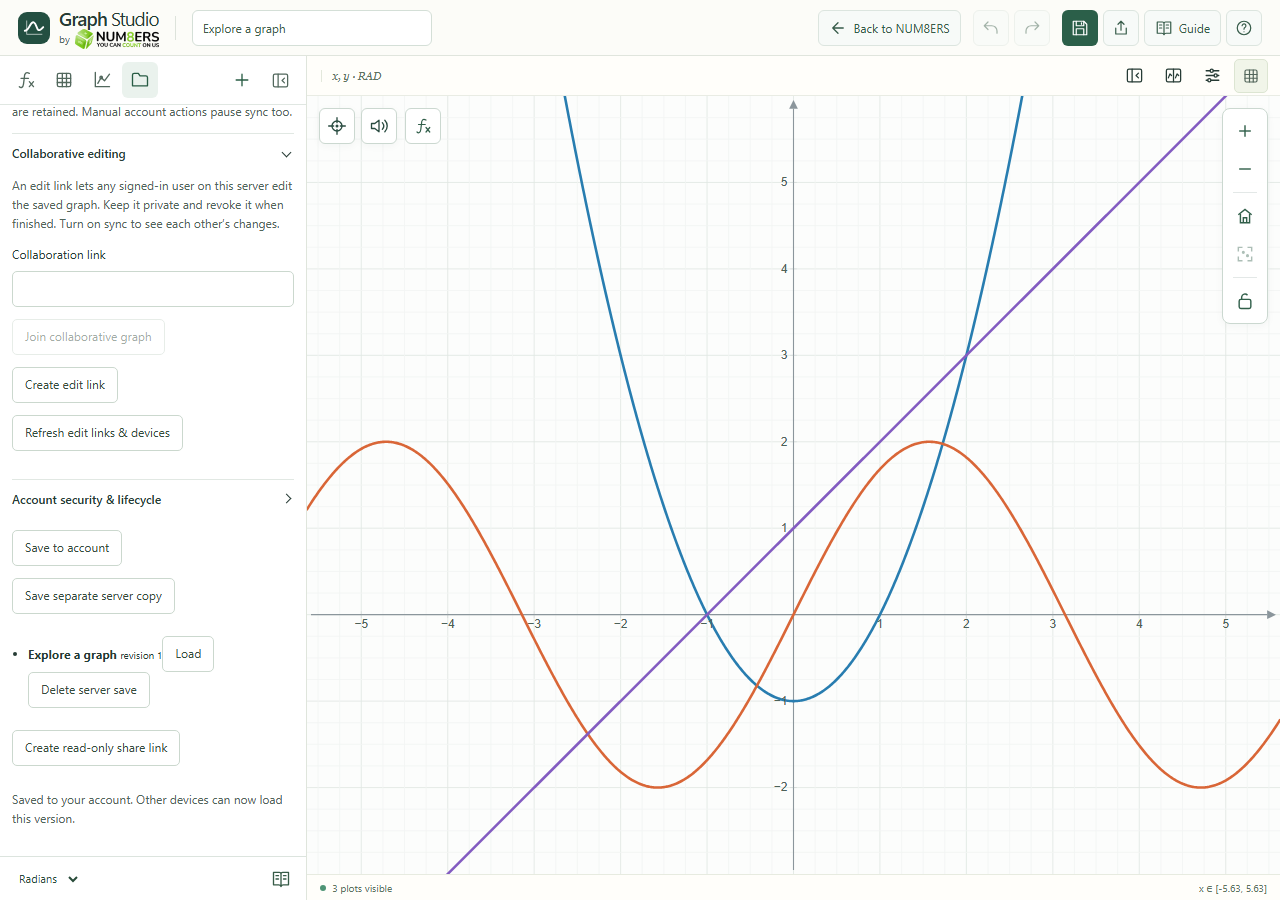 Collaboration controls create or join edit links for signed-in users on the same server.Click to enlarge ↗
Try it step by step
- Sign in and save the graph to the account server.
- Enable Sync this graph while open.
- Create an edit link, or paste a link and choose Join collaborative graph.
- If sync reports a conflict, review the named fields or save a separate copy before continuing.
Options explained
- Same server
- Every participant must use the same account server. An edit link requires a signed-in user.
- Different fields
- Independent edits can merge automatically.
- Same-field conflicts
- Conflicting changes pause sync and preserve local edits. Resolve the displayed fields or keep a separate copy.
- Network interruption
- Sync pauses and shows a message; do not assume an offline edit has already reached other devices.
- Edit link controls
- Create, refresh or revoke edit links. Leave collaboration when finished.
- Manual actions
- Manual account operations can pause sync to avoid applying an unexpected server change.

