

Start here01 / 68
Your first graph
Turn an equation into a picture, explore what changes, and save what you discover. You can start without an account.
Find it
Calculator → Expressions (the fₓ icon)
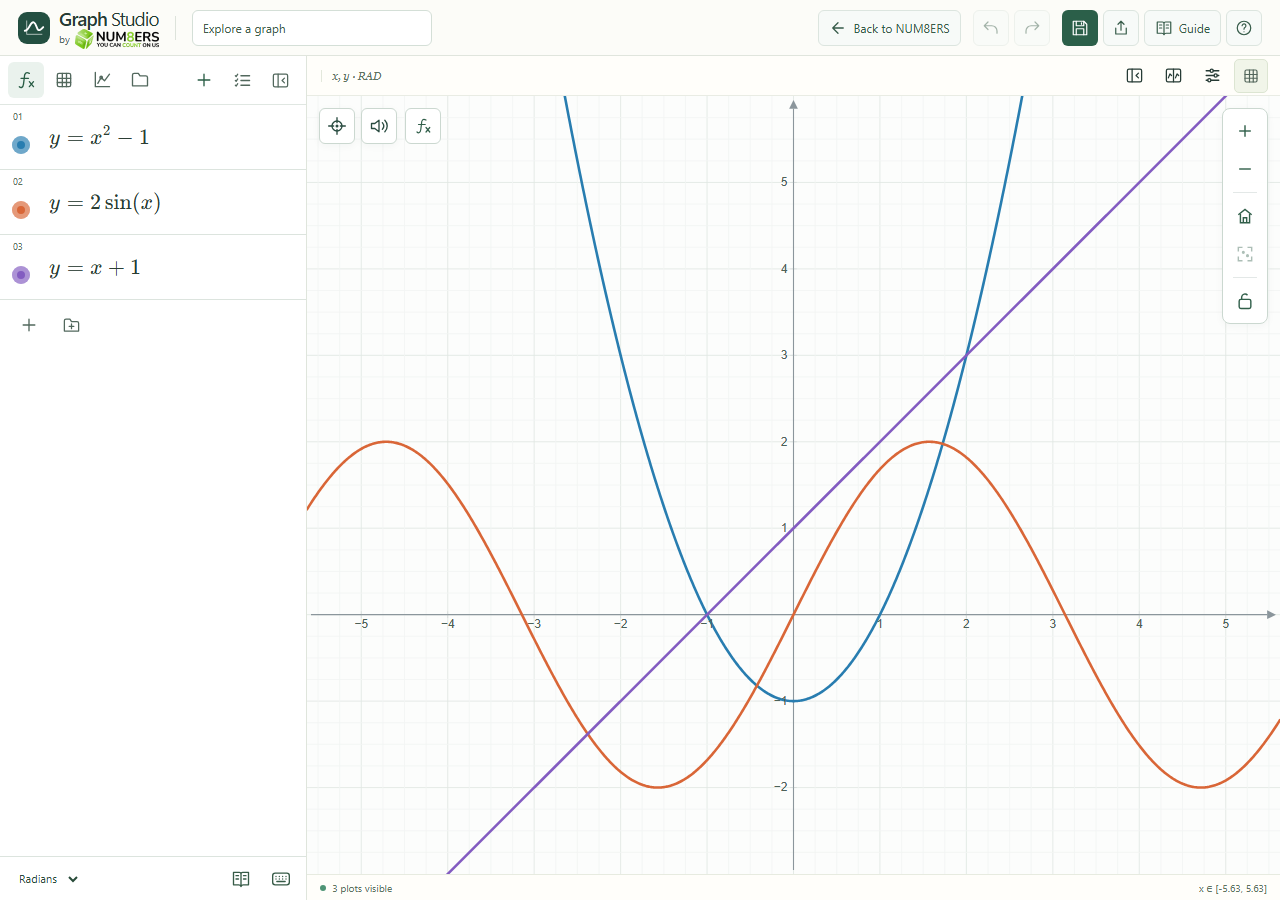
Try it step by step
- Click an expression row and enter . The curve appears as you type.
- Add another expression with + and enter . The two curves share the same coordinate plane.
- Drag the empty graph to move it. Use + and − on the graph toolbar to zoom.
- Give your work a name in the header, then choose Save graph. Use Export graph when you need an image for homework.
Examples to try
Each card is one input. For definitions, enter the cards in order. Formula-only cards belong in the tool described above.
A parabola with its lowest point at the origin.
A straight line with slope 2 and y-intercept 1.