

Data & objects34 / 68
Actions & ticker
Actions update editable values together. A ticker repeats an action to create a controlled animation.
Find it
Data → Actions & ticker; expression action rows
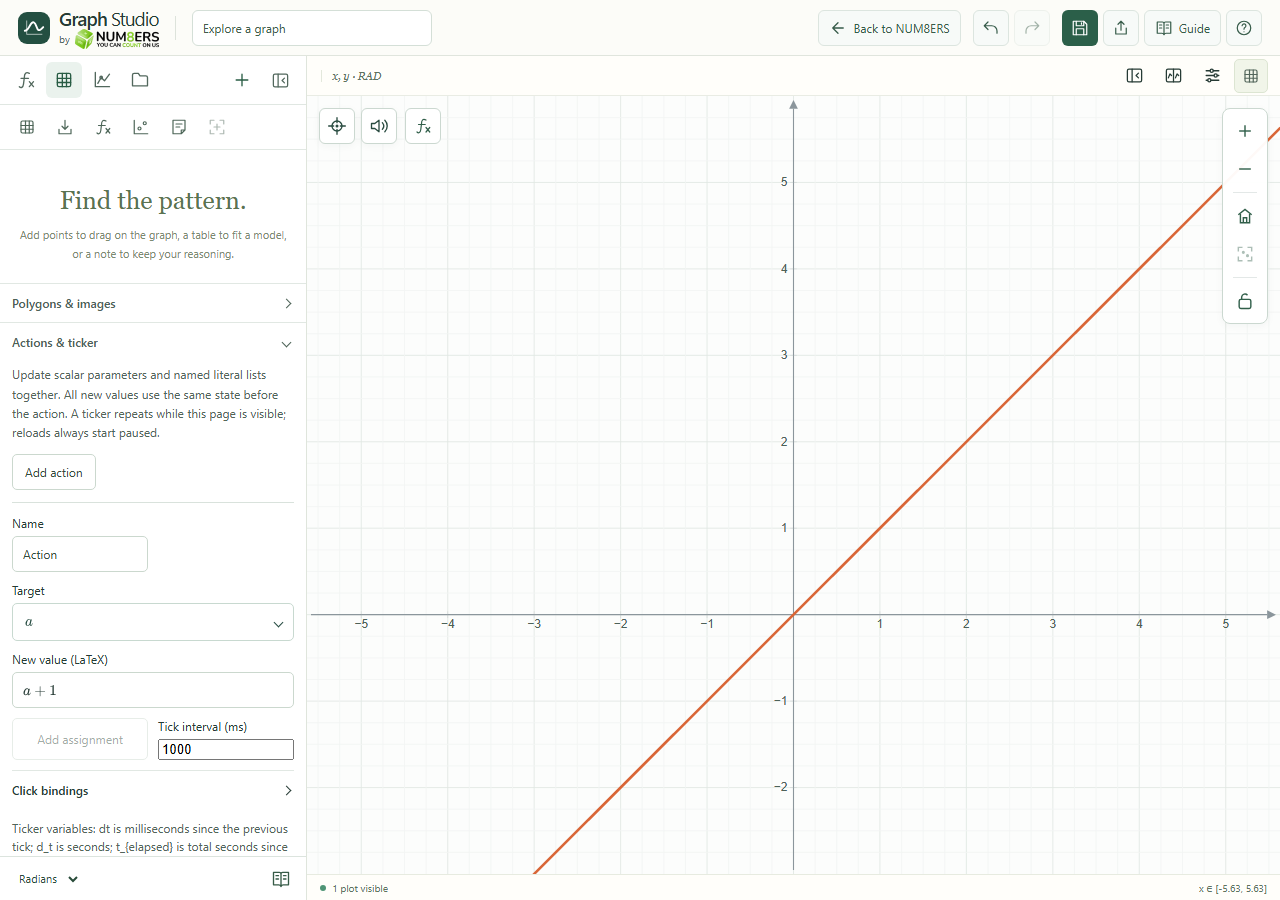
Try it step by step
- Define editable scalar parameters or named literal lists first.
- Enter an assignment action using the arrow notation, or add an action in the Data panel.
- Use Run to test one update before starting a repeating ticker.
- Configure the ticker interval or supported object click binding, then pause when finished.
Examples to try
Each card is one input. For definitions, enter the cards in order. Formula-only cards belong in the tool described above.
First editable parameter.
Second editable parameter.
Swap the two values in a single action.